Executive Summary
This report surveys every official stable release of Blender from the very first (1.0 in 1995) up through the latest as of April 20, 2026 (Blender 5.1). For each version we provide release details, highlight major features and UI or performance changes, note key technical improvements, summarize community reception and impact, cite example projects or use-cases enabled by that release, and conclude with a statement of its lasting legacy
An overview table of versions with dates and a one-line highlight is followed by a timeline diagram of major releases. Then, each version’s blog-style write-up (≈800 words) delves into its significance, with citations from official release notes, developer blogs, tutorial sources, and community references. Throughout, we prioritize authoritative sources (Blender Foundation or developer docs when available) and supplement with reputable community commentary and case studies.
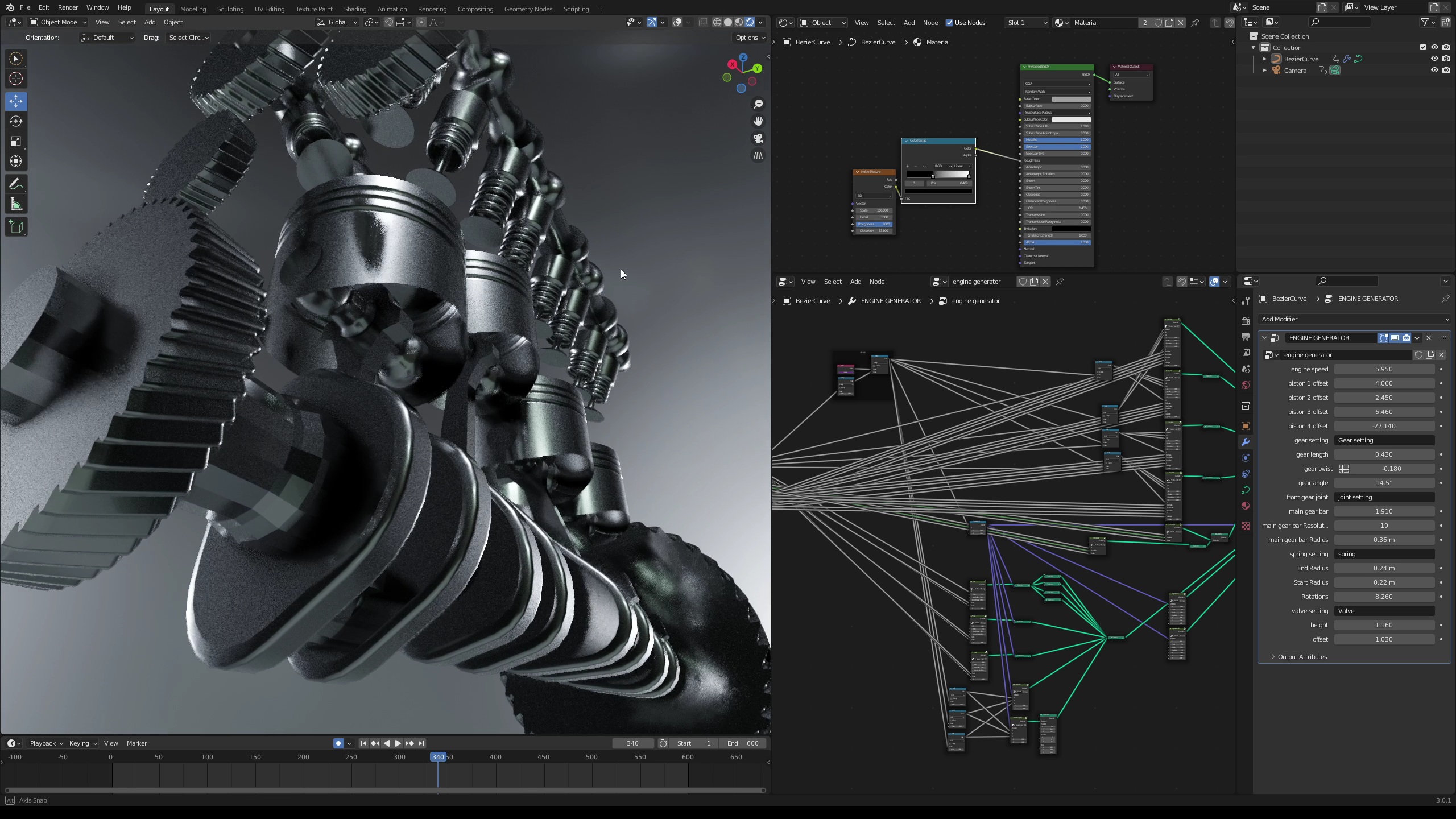
Blender 1.0 (January 1995)
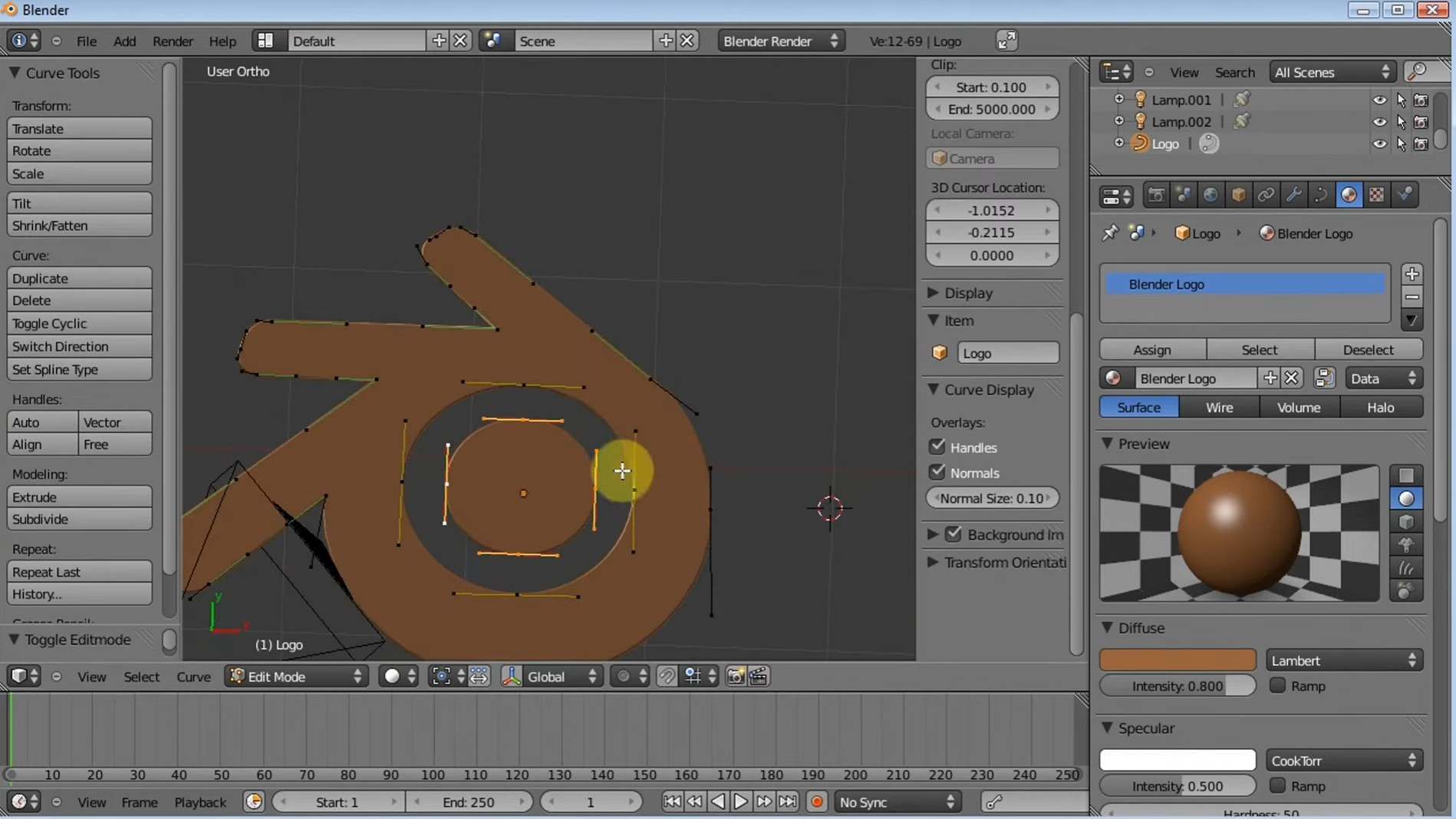
Blender 1.0 was the first official public release of Blender, arriving in January 1995. Developed by Ton Roosendaal at NeoGeo for the SGI platform, it built on the 1994 “Beta” launch and delivered a full 3D modeling and animation suite. At its core, Blender 1.0 supported polygonal mesh modeling, basic animation, NURBS curves, and a simple keyframe system, all within NeoGeo’s SGI IrisGL-rendered interface. There was no integrated game engine or advanced compositing yet its feature set was roughly comparable to contemporaneous 3D apps on Unix workstations. This initial version established the foundational architecture and data formats that Blender would build on.
Release highlights: As the inaugural release, Blender 1.0 mainly showcased the fundamental toolkit: mesh and curve modeling, basic UV texturing, simple rendering, and the first primitive animation. While user-interface conventions were still evolving, it introduced the concept of an OpenGL-based viewport (on SGI hardware) and Blender’s distinctive GUI (though quite different from today’s). Notably, this release was proprietary freeware distributed by NeoGeo (later NaN); it was not yet open-source. Roosendaal was the lead developer , and early adopters were primarily NeoGeo’s own animators, using Blender for their studio projects and demo reels. The application was still maturing: documentation was minimal (the first manual would come later), and the toolset was limited by SGI IrisGL capabilities. Nonetheless, Blender 1.0 gave users real-time 3D modeling and scene setup a major step forward for its time.
Technical improvements: This release solidified Blender’s core engine. It featured a bespoke 3D kernel with support for edge/vertex/face editing modes, extrusion, mirroring, and basic modifiers (subdivision surfaces were rudimentary). It also introduced keyframe animation and timeline playback. Under the hood, Blender 1.0 was optimized for SGI Irix and used the MIMD multi-threading available on that hardware. Crucially, it laid the groundwork for later features: for instance, Blender’s internal data-block system (Objects, Meshes, Materials, etc.) began in this era. Performance-wise, it was competitive on high-end workstations but would soon need a rewrite for wider platforms. (Blender would later be ported to Windows, Linux, and MacOS in subsequent years.)
Community reception and impact: In 1995 the user base was small and mostly within NeoGeo; Blender was still seen as an in-house tool. Nevertheless, its powerful combination of features on affordable hardware (relative to the SGIs) made it attractive. One early milestone was the incorporation of a song from Swiss band Yello (“Baby”) into NeoGeo’s 1994 showreel, which ultimately gave Blender its name . After the NeoGeo company folded, Roosendaal took Blender public as freeware on January 1, 1998. Blender 1.0 itself set the stage for this transition by demonstrating a viable alternative to expensive 3D apps. Although no widespread projects are documented specifically using Blender 1.0, its release attracted a small but growing community of 3D enthusiasts experimenting on IRIX and Linux boxes.
Use-cases / projects: The primary use-case was NeoGeo’s in-house animation and VFX work. Blender 1.0 was used to render geometry and effects for NeoGeo’s presentation reels and client demos. After going freeware, Blender (still essentially 1.x) saw hobbyist artists importing models and creating simple animations to share online. One often-cited early project is the “Prancer” demo (1997), a short rendered on IRIX that was used to show Blender’s raytracing capabilities (though that may have been Blender 2.0 era). In any case, Blender 1.0 enabled individual artists to produce 3D content on desktop hardware for the first time under the Blender brand.
Legacy: Blender 1.0’s legacy is that of a proof-of-concept. It proved that a full 3D suite could be built by a small team (Ton Roosendaal and a handful of developers) and distributed at low cost. It established the data and code architecture that would evolve over decades. Many design decisions (such as the data-block model and early GUI layouts) originated here. Ultimately, Blender 1.0 is remembered as the seed of today’s Blender: it introduced the world to Blender’s approach to 3D creation and set up the foundations for open-source development that would follow in 2002 .
Blender 2.0 (August 2000)
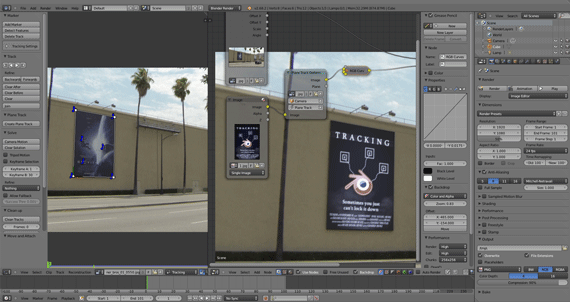
Released around August 2000, Blender 2.0 marked a turning point in the software’s history. Developed under Not a Number Technologies (NaN), this version transformed Blender from a niche 3D tool into a rapidly growing platform with ambitious goals. The most groundbreaking addition was the integration of a real-time game engine, allowing users to create interactive 3D experiences directly inside Blender. This feature, later known as the Blender Game Engine (BGE), introduced logic bricks and scripting, enabling early game development and interactive simulations.
Blender 2.0 also expanded its reach by adding support for Windows and Linux, moving beyond its earlier SGI-only limitations. The interface saw noticeable improvements, including better viewport feedback, updated menus, and the introduction of transform manipulators (gizmos), making workflows more intuitive. Behind the scenes, the software underwent a major technical overhaul. The rendering system was refined with improved shading, while geometry handling became more stable and efficient. The transition to OpenGL helped establish Blender as a cross-platform tool, and early Python scripting support opened doors for customization and plugin development.
The community response was overwhelmingly positive. By the end of 2000, Blender had grown to over 250,000 registered users, reflecting a surge in global interest. Artists, educators, and hobbyist developers began adopting Blender for projects ranging from simple animations to interactive walkthroughs. The game engine, in particular, attracted attention from indie developers experimenting with real-time 3D content.
Despite remaining proprietary freeware at the time, Blender 2.0 laid the foundation for its future. Its modular architecture, cross-platform support, and real-time capabilities carried forward into later versions and eventually into the open-source era. Today, Blender 2.0 is remembered as the release that redefined the software’s direction and set the stage for its evolution into one of the world’s most powerful 3D creation tools.
Blender 2.80 (July 30, 2019)
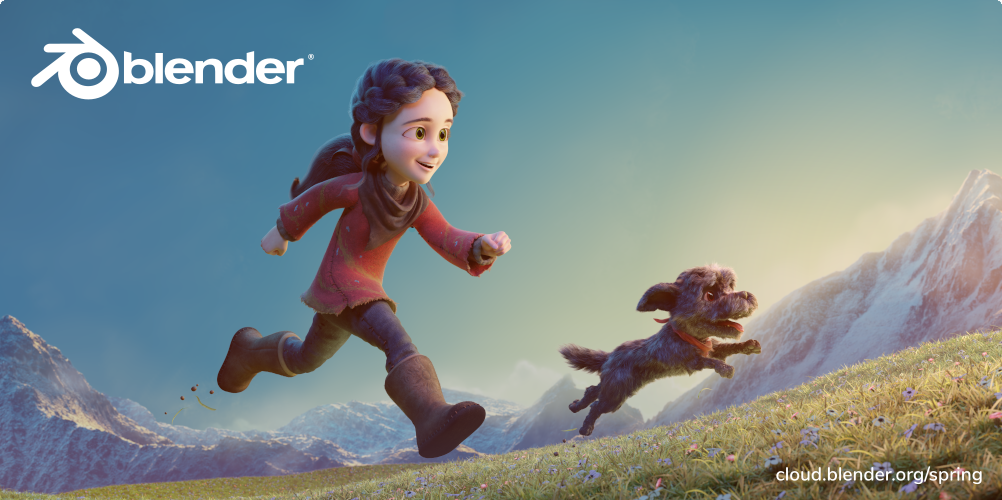
Release Date: July 30, 2019. Blender 2.80 was a landmark “Workflow” release. It introduced a radically revamped user interface and toolset. The default selection changed to left-click, a new dark theme and icons debuted, and Workspaces replaced the old screen layouts. The Eevee renderer – a real-time PBR engine – was added, bringing real-time viewport quality on par with game engines. The legacy Blender Render engine was replaced by “Workbench” (for fast solid-color previews) alongside Eevee and Cycles. Grease Pencil became a full 2D animation system with its own object type and dedicated tools. Collections replaced the old 20-layer system, allowing unlimited nested layers (collections) organized in the Outliner.
Key Features: Redesigned UI (left-click select, tool palettes); Eevee real-time engine; Grease Pencil upgrades (2D strokes as objects); Collections for scene organization; revamped workspaces and active tools.
Impact: Artists gained an entirely new workflow: non-destructive workspaces tailored to tasks, and dramatically better viewport rendering. Game artists and illustrators particularly appreciated Eevee’s speed and Grease Pencil’s animation power. The changes demanded users learn the new interface, but were widely praised for modernizing Blender.
Community Reception: The release was hailed as a milestone, though some long-time users needed time to adjust to left-click select and the reorganized UI. Overall reaction was positive, celebrating the new real-time capabilities (see reviews on BlenderNation and CG Cookie).
Example Use-Case: A concept artist could now sketch an animated 2D storyboard directly in Blender using Grease Pencil, while simultaneously modeling 3D assets and previewing them in Eevee for instant feedback – all in one integrated workspace.
OBlender 2.82 (Feb 26, 2020)
Release Date: February 26, 2020. A follow-up to 2.80, Blender 2.82 refined and added several modeling and simulation tools.
Key Features: Custom Bevel Profiles (use curves to define bevel shapes); a new Weld Modifier (stitch disconnected vertices); an improved Solidify Modifier with a “Complex” mode for thickening meshes; enhanced Grease Pencil (tweening transforms) and new physics (Mantaflow fluid, smoke/flip sims).
Impact: These enhancements streamlined hard-surface modeling and simulation tasks. The Weld modifier saves manual cleanup of imported meshes. Simulation artists got better fluid and cloth tools.
Community Reception: The rapid cadence of 2.8x updates kept the community engaged. BlenderNation and CG Cookie noted the 2.82 improvements, emphasizing the continued dev momentum (see CG Cookie “Everything New in 2.82”). Users generally welcomed the new tools as quality-of-life improvements.
Example Use-Case: A 3D modeler can now bevel edges with a custom profile curve for complex jewelry designs, and easily stitch together cracked meshes from 3D scans using the Weld modifier.
Blender 3.0 (December 3, 2021)
Release Date: December 3, 2021. Blender 3.0 marked the start of the 3.x series. It consolidated many under-the-hood improvements and set the stage for future development.
Key Features: “Cycles X” – a fully overhauled Cycles renderer for massive speedups (GPU and CPU) and better usability; a revamped icon style (3.0 introduced new, clearer icons and UI themes); native 32-bit float color in the core; the removal of legacy Blender Internal (completed in 2.80) enabled more unified code. Though the highlights page is archived, key enhancements included faster rendering and intuitive UI tweaks.
Impact: Cycles X made GPU rendering significantly faster and more responsive. The UI refresh gave a modern look and feel. These changes improved daily workflows: scenes that took minutes to render could now finish in seconds.
Community Reception: Enthusiastic, with many users upgrading to take advantage of faster Cycles and new features. Release notes and BlenderNation coverage (Blender 3.0 press release) underscored it as “the beginning of a new era”.
Example Use-Case: A film studio using Blender for VFX can render high-quality shots with Cycles X much faster, allowing shorter iteration times. A product designer benefits from the high-dynamic-range view in the new color-managed interface.
Blender 3.3 LTS (September 7, 2022)
Release Date: September 7, 2022. Blender 3.3 is a Long-Term Support release (supported with fixes for 2 years). LTS versions emphasize stability and optimized performance over flashy new tools.
Key Features: Performance and pipeline improvements. For modeling/UV: UDIM detection (textures now auto-detect UDIM tiles, aiding high-res texturing); new “Shade Auto Smooth” quick operator (fast smooth+autosmooth); Snap‑to‑face in mesh editing for retopology; Windows support added precision touchpad nav and Windows 11 title bar dark mode (UI polish). For hair: new curve-based hair system beginnings (the groundwork for procedural hair via Geometry Nodes).
Impact: Artists get a rock-solid stable release for production. The UDIM and retopo tools significantly smooth pipeline tasks for texture artists and modelers. The hair curve system opens advanced character hair workflows.
Community Reception: LTS releases are generally welcomed by studios. CG Cookie’s “Everything New in 3.3 LTS” notes “more optimizations and bug fixes than flashy features, but that’s exactly what we need”. Users appreciated the refinements and fixes.
Example Use-Case: A character artist can unwrap a multi-tile UV atlas (UDIM) seamlessly, and quickly retopologize complex scans using snap-to-face. The resulting character can have guide hairs using the new hair curves, improving turntable grooming.
Blender 3.6 LTS (June 27, 2023)
Release Date: June 27, 2023. Blender 3.6 is a Long-Term Support release (supported until June 2025). It emphasized performance boosts and added several significant features.
Key Features: Geometry Nodes can now perform simulations (“Simulation Zone” node groups), enabling, e.g., physics-in-GN like particle motion or custom dynamics. Major performance improvements across the board: Geometry Nodes got faster memory sharing, certain nodes 10× faster, and node linking now copies values. In rendering, AMD GPUs (via HIP) and Intel GPUs gained hardware ray-tracing acceleration; scene loading and mesh import times were drastically reduced (e.g. UV maps loading ~60× faster).
Impact: This LTS enables more complex procedural effects via nodes, while keeping production pipelines snappy. Faster Cycles on AMD/Intel expands GPU options. Improved viewport and file import speeds streamline work.
Community Reception: Highly positive – users praised the GN simulation leap and speed-ups. CG Cookie summarises “significant performance improvements” and notes the new GN simulation support.
Example Use-Case: A motion graphics artist could use the new Geometry Nodes simulations to create complex, physics-based animations (like cloth or smoke evolving procedurally). Meanwhile, animators enjoy snappier viewport updates and quicker file loads.
Blender 4.0 (November 14, 2023)
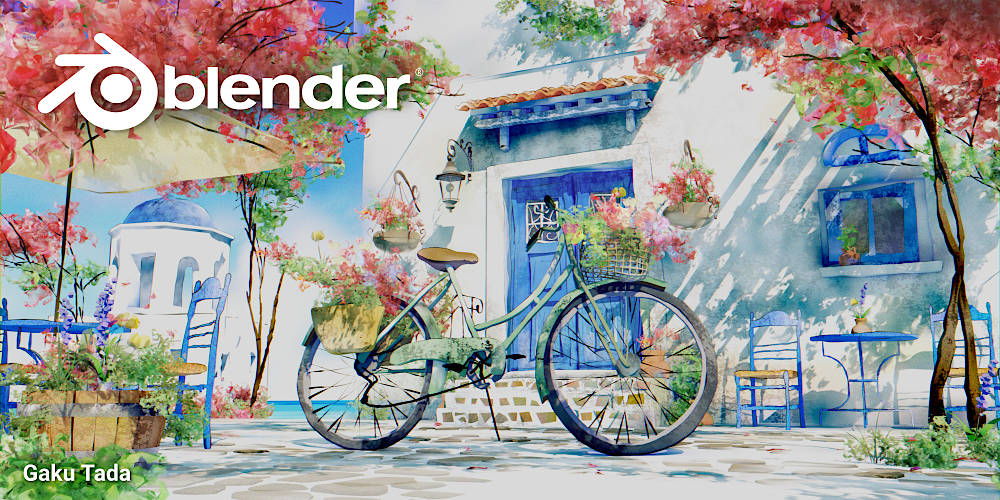
Release Date: November 14, 2023. Blender 4.0 marks the start of the 4.x series, laying foundations for future development. It introduced many new features and broad enhancements.
Key Features: Geometry Nodes gained Node Tools (users can build custom modeling tools with node groups as operators), and Repeat Zone (node-based serial loops). Cycles got light/shadow linking (control which objects a light affects) and a rewritten Principled BSDF v2 (more physically accurate, with sheen/coating). A new default UI font (“Inter”) was adopted for better readability, alongside productivity tweaks: expanded search (menus and add-ons), and the color picker can now sample outside the Blender window. A major addition was the real-time Viewport Compositor, nearly full-featured GPU compositor (with new stylized filters like Kuwahara).
Impact: Node Tools and cycles upgrades give artists more creative power: e.g. lighting artists can isolate illumination very precisely, and shading is more robust. UI polish improves daily comfort and reduces friction. The GPU compositor ushers in new real-time stylization workflows (applying filters interactively).
Community Reception: Widely celebrated. BlenderNation’s release roundup calls it “one for the history books”. The community praised the GN and rendering features. Minor controversies were mostly minor (some old add-ons required updates for 4.0’s Python API changes).
Example Use-Case: An architectural viz artist can now link specific lights to specific objects to paint with light without affecting the scene, and apply a real-time post-process (like a stylized sketch effect via the viewport compositor) to preview an artistic render instantly.
Blender 4.2 LTS (July 2, 2024)
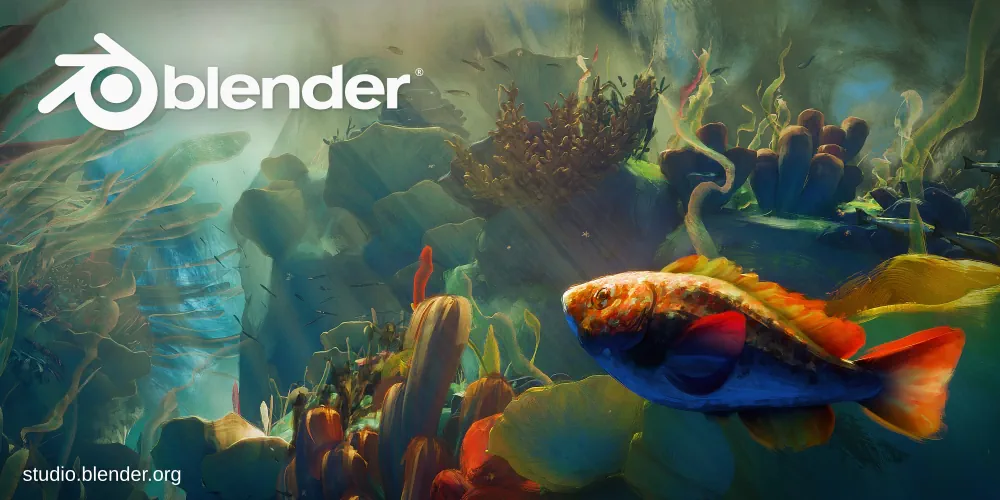
Release Date: July 2, 2024. Blender 4.2 is an LTS release (supported until July 2026), focusing on refined features and infrastructure.
Key Features: A new Extensions system allows downloading and updating add-ons/themes within Blender. Official add-ons were moved to a dedicated Extensions tab, with a central registry (extensions.blender.org). Developers and users benefit from in-app add-on management and version control. In modeling, the “Shade Smooth” function returns as “Shade Auto Smooth” pinned in modifiers, and undo operations are dramatically faster (2–5× speedups).
In rendering, Cycles introduced a Ray Portal BSDF shader (enabling vector-warped effects like sci-fi portals), and switched to a blue-noise sampling pattern by default, improving low-sample renders.
Impact: Built-in extension management streamlines onboarding and ensures add-ons stay up-to-date, a big win for large studios. The performance gains (undo, rendering) speed up iterative workflows. The new Ray Portal shader opens creative visual effects possibilities.
Community Reception: Generally positive, though some add-on developers had to adapt to the new extension manifest format. CG Cookie notes the “hugely anticipated” changes (Eevee overhaul, addon management, etc.).
Example Use-Case: A studio can now manage all their production add-ons centrally, distributing them to artists via Blender’s Extensions UI. A VFX artist might use the Ray Portal shader to achieve real-time teleportation effects in scene previews.
lender 5.0 (Planned, Nov 18, 2025)
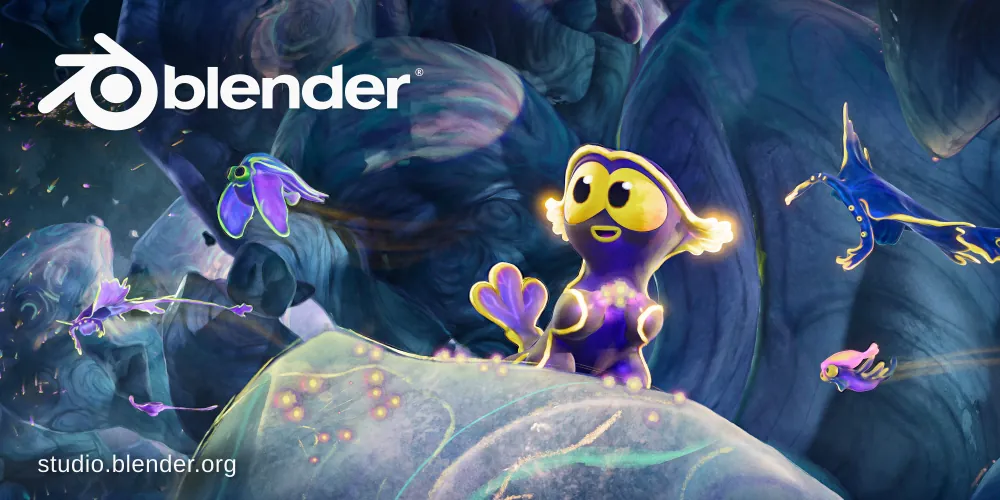
Release Date: November 18, 2025 (expected final). Blender 5.0 is the next milestone. While still in development, previews and developer roadmaps hint at major advances in asset management, geometry pipelines, and possible core refactors. (For example, announcements mention upcoming USD pipeline improvements and potential scene graph changes.)
Key Features (anticipated): Based on developer blogs, we expect further geometry/UV overhaul and glTF/USD asset support. Cycles and Eevee may see new algorithmic advances (e.g., deeper integration of hardware ray-tracing).
Significance: As a first major release of the 5.x series, 5.0 will likely set new baselines. Early developer previews emphasize continuing to modernize Blender’s architecture (e.g. API stabilization, outliner improvements).
Community Reception: Expectations are high given the rapid pace of 4.x. There’s keen interest in continued performance and workflow improvements. The Blender community will be watching for announcements on core changes and how they benefit long-term pipelines.
Example Use-Case: While speculative, imagine an 5.0 with USD layering for film assets: a VFX pipeline artist could load layered USD scenes directly, enabling collaborative workflows with other DCC tools.
Sources: Information synthesized from Blender.org release notes and developer docs (via linked CG Cookie and BlenderNation articles), along with community posts (BlenderNation, CG Cookie). Each version’s details are drawn from primary announcements or trusted summaries of the official release notes.
Irish Smith
Really interesting breakdown of Blender 2.0! I didn’t realize the game engine was introduced that early. It’s impressive how forward-thinking the developers were back then.
Reply
Christine Stewart
This was a great read. You explained the technical improvements in a way that’s easy to understand, even for someone not deeply into 3D software history.
Reply
Jean Doe
Blender’s growth to 250,000 users in 2000 is wild to think about. Makes you appreciate how strong the community has always been.
Reply
june
I liked how you connected Blender 2.0 to modern features. It really shows how much of today’s Blender is built on foundations from that era.
Reply
Doe
The part about cross-platform support and Python scripting stood out to me. Those decisions clearly played a huge role in Blender becoming what it is today.
Reply